
Choosing software for white label SEO reports comes down to what your client reporting covers and how many clients you serve. Per-client pricing suits a small roster, per-source pricing suits agencies with few accounts per client, and only some tools track AI search visibility natively.
AgencyAnalytics, DashThis and Swydo suit multi-channel client reporting, BrightLocal suits local agencies, Nightwatch and SE Ranking add rank tracking, and our white-label reports suit AI visibility retainers. Every price below was read from the vendor's own page on September 30, 2026, and one entry is ours, which we mark.
White Label SEO Reporting Tools at a Glance
| Tool | Best for | White-label level | Price metered by | AI visibility tracking |
|---|---|---|---|---|
| AgencyAnalytics | Multi-channel client reports | L2 to L3 listed, pages disagree | Client, $25 a month (monthly billing) | Beta add-on |
| DashThis | Dashboards | L2, every plan | Dashboards, from $54 a month | No native tracking |
| Swydo | Many clients, few accounts each | L3, single plan | Connected account, from €69 a month | No native tracking |
| Whatagraph | Larger agencies, cross-channel data | L1, L2 on Prime (pages differ) | Credits, from €699 a month (annual) | MCP docs only |
| SE Ranking | Rank tracking plus reports | L2 to L3, via Agency Pack | Plan, plus €59 a month add-on (annual billing) | Base plans, plus add-on |
| Semrush | Teams already on Semrush | L1 to L2, via Pro report add-on | Plan, plus per-report add-on | In plans, one-click reports coming soon |
| Nightwatch | Rank plus AI prompt tracking | L1 to L2, from Professional | Plan, white label from €199 a month | In base price |
| BrightLocal | Local SEO agencies | L1, domain claims conflict | Location, from $31 a month (annual) | On every plan |
| Looker Studio (Data Studio) | Free baseline | None on embeds, watermark stays | Free, Pro $9 per user per project | None |
| GEO Toolbox (ours) | AI visibility client reports | L1, Growth and up | Plan, from $499 a month (Growth) | The whole report |
Prices are as shown on each vendor's page, on monthly billing unless noted. Euro prices are as the vendor's page showed them from our location. L1 to L3 are the white-label levels described in the next section, assigned from what each vendor's own pages state.
What "White Label" Actually Means in a Reporting Tool
"White label" covers different things depending on the vendor, and the price gap between them is where agencies get surprised. Sorting a tool into a level before you compare the white label SEO reports each one produces saves a lot of trial-and-error.
Level 1 is cosmetic. Your logo and colors sit on a PDF or dashboard, and you may or may not be able to remove the vendor's "powered by" line. Level 2 is branded delivery. Reports open on your own domain, usually through a DNS CNAME record, and arrive from your own sender address. Level 3 is a private-label portal. Clients log in to a workspace that carries only your brand, often with sub-accounts.
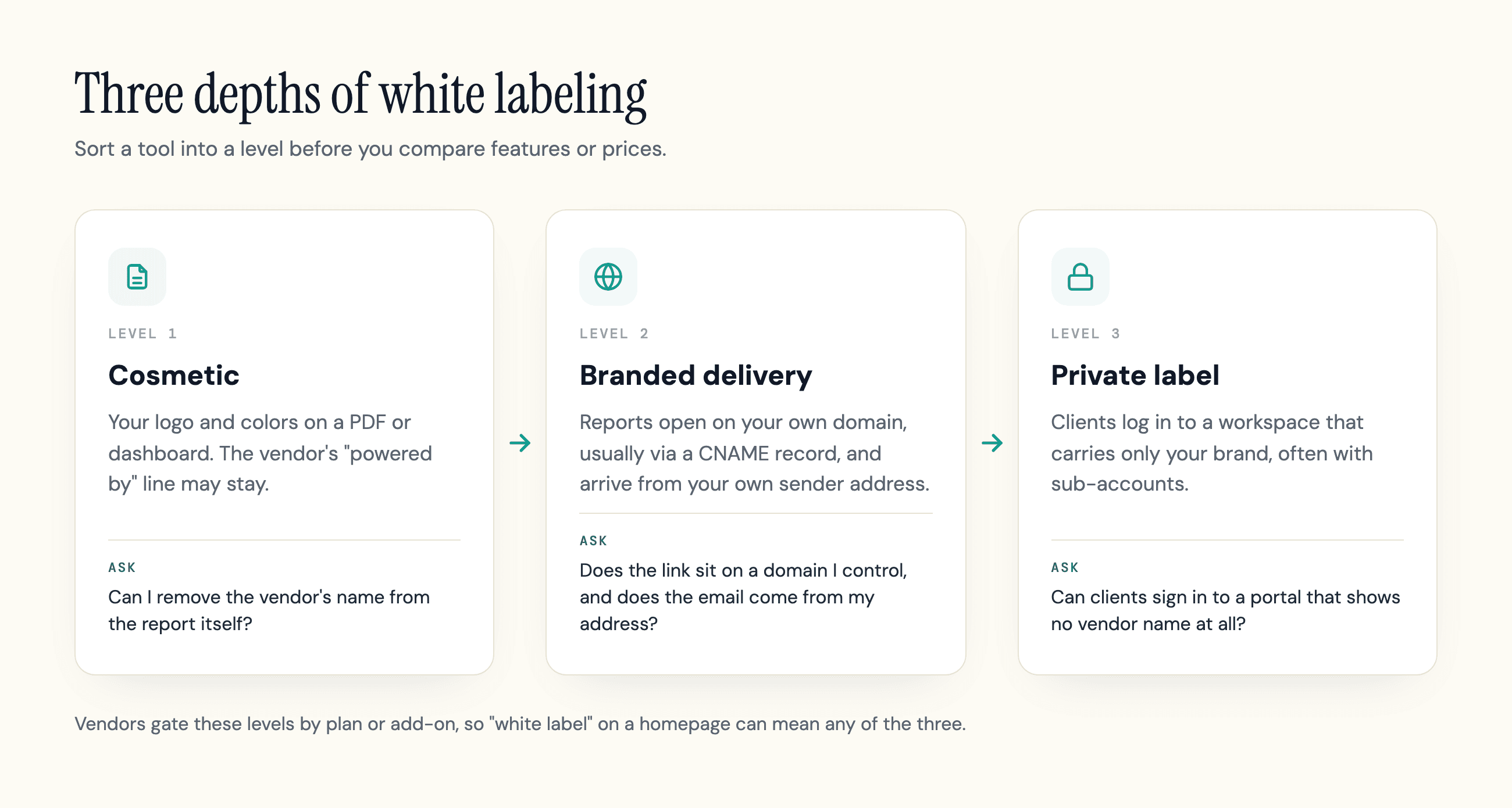
Vendors gate these levels differently, so a tool that says "white label" on its homepage can mean any of them. AgencyAnalytics documents a CNAME setup for a custom domain, and Databox's custom email setup page describes CNAME records for the branded email sender. Looker Studio, now Data Studio, sits at the other end: Google's docs say embedded reports always carry the Data Studio watermark and that you cannot remove it.
The practical test is a short set of questions. Can you remove the vendor's name from the report itself? Does the link the client opens sit on a domain you control? Does the email come from your address? A tool that answers yes to the first and no to the other two is Level 1, whatever the pricing page calls it. By that test our own reports are Level 1.
Whether white labeling is worth paying for at all depends on your clients. One r/agency commenter wrote that clients barely opened fully automated reports and that what got read was a one-page note with only the numbers that mattered. Branding helps that note feel like yours, but it does not replace it.
How We Compared These Tools
Every price and feature below is what the vendor's own page said on September 30, 2026. We did not hands-on test the other nine tools. We read their pricing and white-label pages and saved dated snapshots of each, so read every vendor detail as claimed, not tested. The one report we can speak to first-hand is our own, because we build it.
We compared these SEO reporting tools on how deep the white labeling goes (the levels above), how the price is metered, how reports are scheduled and delivered, which data sources and integrations connect, whether the tool reports on AI search visibility, and whether the vendor's own pages agree with each other. Several vendors below show one thing on the pricing page and another on the feature page, and we say so instead of picking one.
We did not convert euro prices. Where a page lists monthly and annual prices, we say which one we quote.
The 10 Best White Label SEO Reporting Tools
The list runs from general client-reporting platforms to SEO reporting suites, then rank and local trackers, a free baseline, and finally our own AI-visibility reports. Ours is last, and we say where it falls short.
AgencyAnalytics
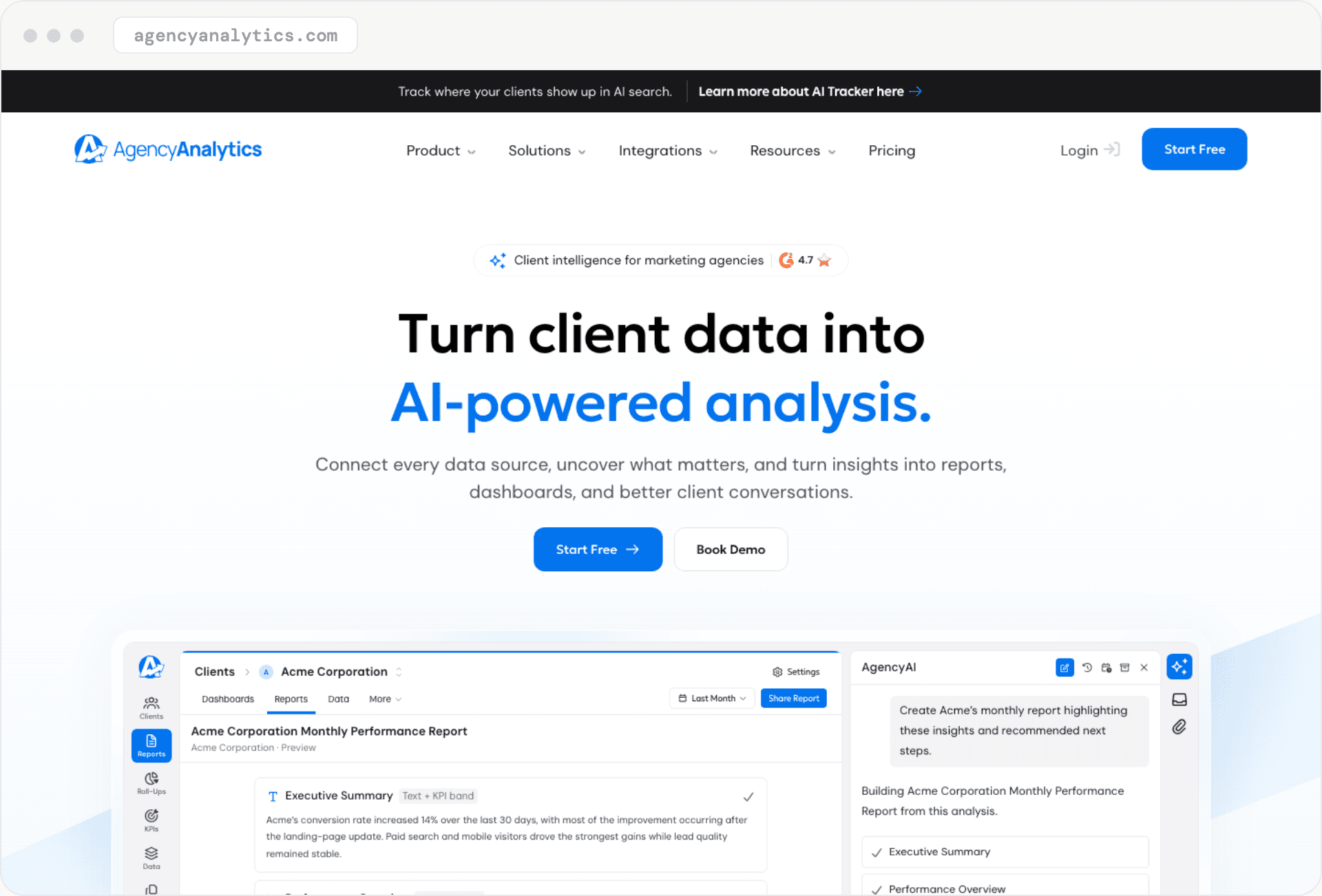
Best for: multi-channel client reporting at one per-client price.
AgencyAnalytics' pricing page shows one plan priced per client: $25 per client per month billed monthly, or $20 billed annually. Each client includes unlimited data sources, dashboards, reports and staff users, and volume pricing is offered from 25 clients.
The same page lists a white-labeled client portal with every client and shows custom domain and custom email as included. Its white-label feature page says custom email, branded domain and multiple white-label profiles are on "select plans," so confirm the tier you are buying.
It also sells an AI Tracker (Beta) add-on at $25 per 250 credits per month on monthly billing, for tracking how clients appear in ChatGPT, Google AI Overviews, Google AI Mode, Claude, Perplexity and Gemini.
What works:
- one per-client price with unlimited sources, reports and users
- automated client reporting included with every client
What doesn't:
- cost rises one client at a time, with volume pricing only from 25 clients
- its own pages disagree on which white-label items each plan includes
DashThis
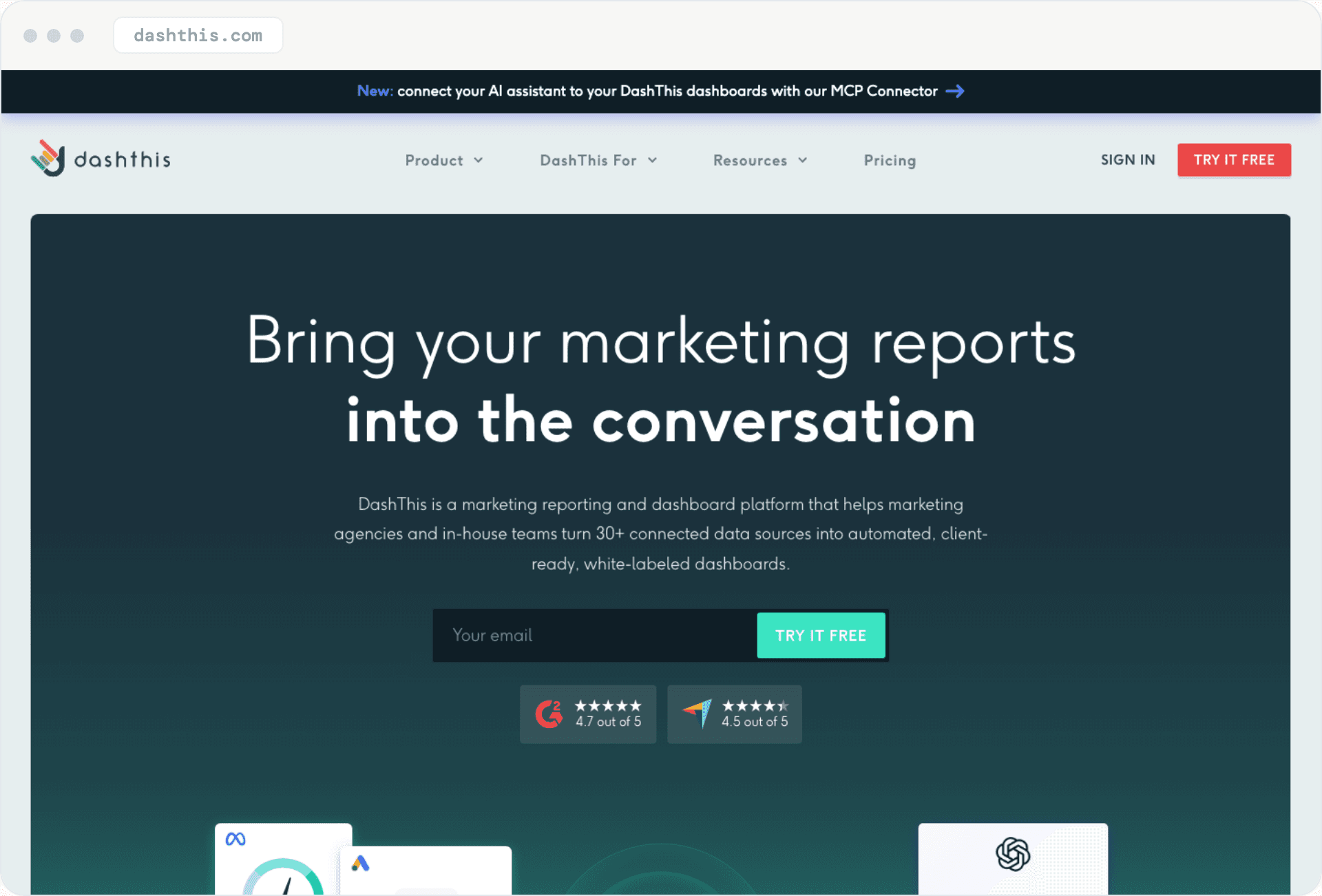
Best for: client reporting dashboards with white labeling on every plan.
DashThis prices by dashboard count. On monthly billing, Individual is $54 for 3 dashboards, Professional is $164 for 10, Business is $324 for 25, and Standard starts at $499 for 50; yearly billing brings those to $44, $139, $279 and $429. The pricing matrix marks custom logo, color themes, white-labeled dashboards, custom domain and custom email as included on every plan.
Reports go out by automated email, PDF export or shared link. We found no native AI-search tracking on the page. Its AI features are automated AI Insights, an AI Insights PRO add-on and an MCP connector for AI assistants.
What works:
- white labeling, including custom domain and email, on every plan
- predictable tiers if you know how many dashboards you need
What doesn't:
- no native AI visibility tracking
- the price steps up sharply when you pass 10 and then 25 dashboards
Swydo
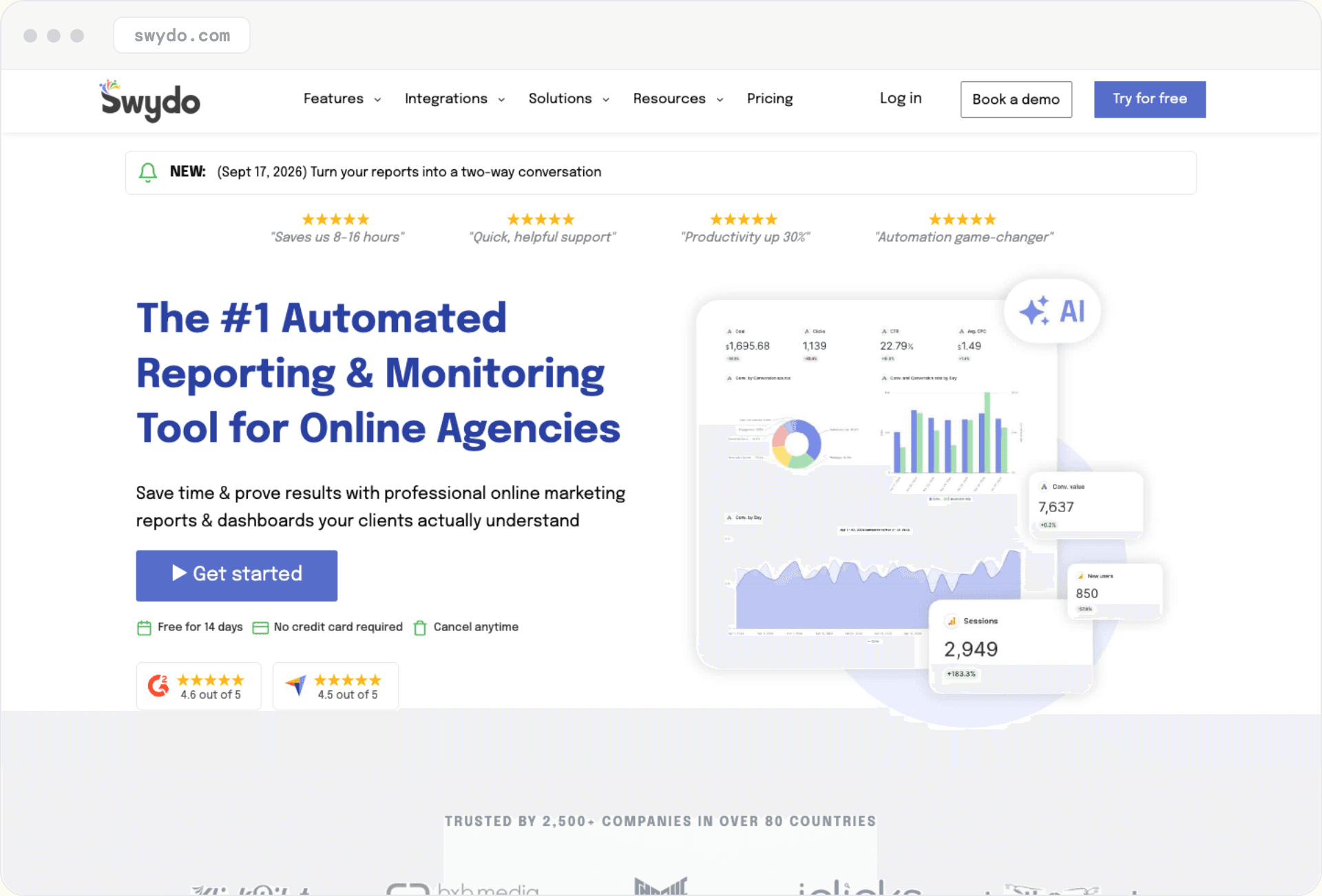
Best for: agencies with many clients but few connected accounts per client.
Swydo charges per data source, not per client. The page showed €69 a month on a monthly basis (€62 billed annually) for the first 10 data sources, then €4.50 each from the 11th to the 100th. Clients, users, dashboards and reports are unlimited. Its white-label page and pricing page list custom domain hosting, sending reports from your own email, branded PDF export, reusable report templates and client portals inside the one plan.
An account you connect counts as one source, so a client with Google Ads and Facebook Ads uses 2 sources. The pricing page also lists scheduled automated reports, branded email templates and alerts when a data source connection breaks. We found no native AI-search visibility tracking on its pages.
What works:
- no per-client or per-user fee
- custom domain, own-email sending and a client portal in the single plan
What doesn't:
- cost follows connected accounts, so a client with GA4, Search Console, ads and a rank tracker counts as several
- no native AI visibility tracking
Whatagraph
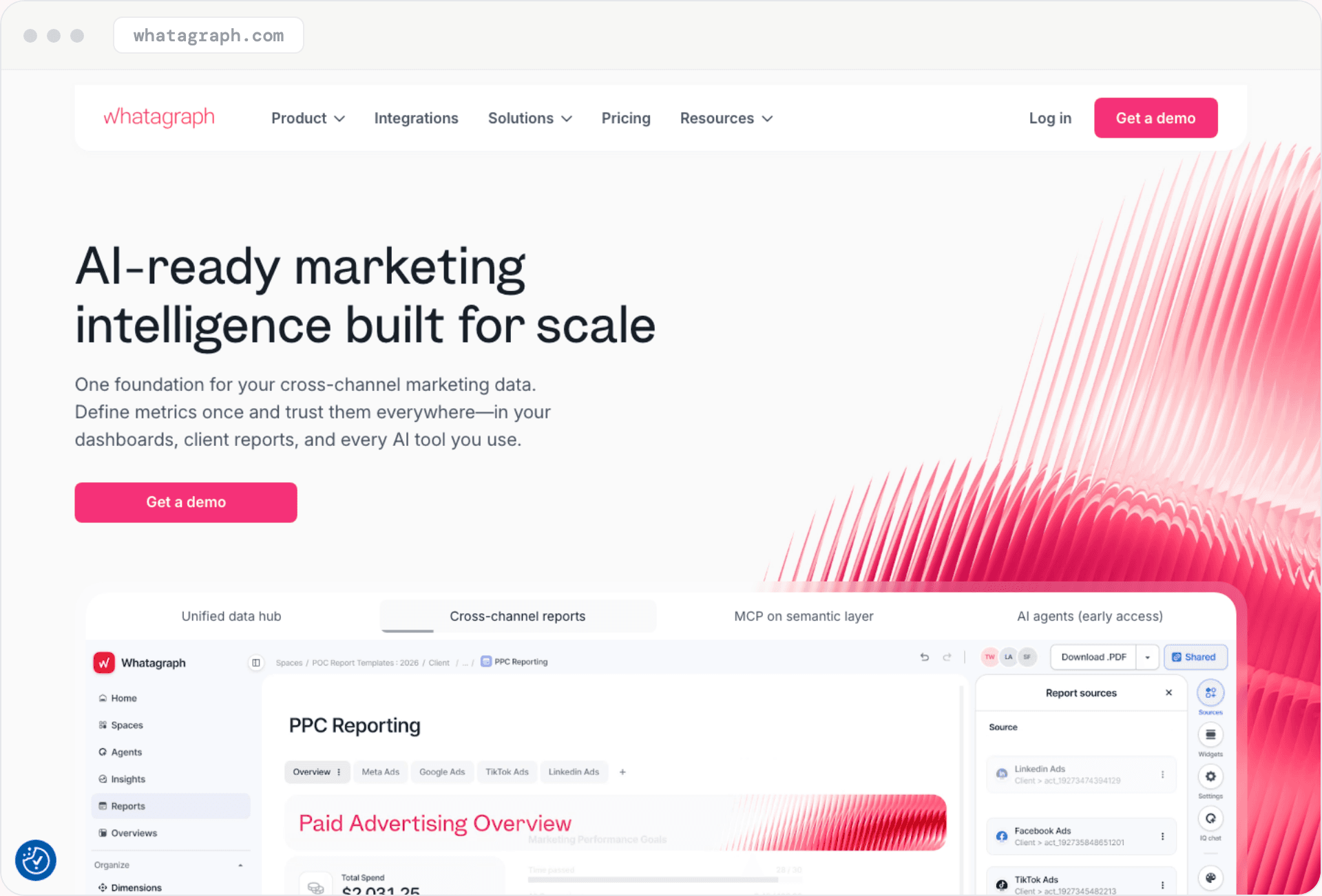
Best for: larger agencies that want a cross-channel data hub.
Whatagraph's pricing page shows Max from €699 a month billed annually, with unlimited users and reports, and a custom-priced Prime tier. Its plan matrix puts white-label customization on Max and Prime and shows the custom report domain as No on Max and an add-on on Prime, while the Prime card lists it as included. Its custom-domain help page, dated July 2024, documents a custom-domain DNS setup, and its white-label dashboard page describes white labeling as a paid add-on on any plan, which the matrix contradicts.
Max and Prime include automated emails with a PDF. We found no monthly price on the pages we read. Its pricing and feature pages list no AI-search tracking, though its MCP documentation describes AI visibility monitors for ChatGPT, Gemini, Claude and Google AI Overviews.
What works:
- unlimited users and reports on Max
- a documented DNS setup for custom report domains
What doesn't:
- the custom report domain appears to need the custom-priced tier or an add-on
- its pages disagree on whether white labeling is included or an add-on
SE Ranking
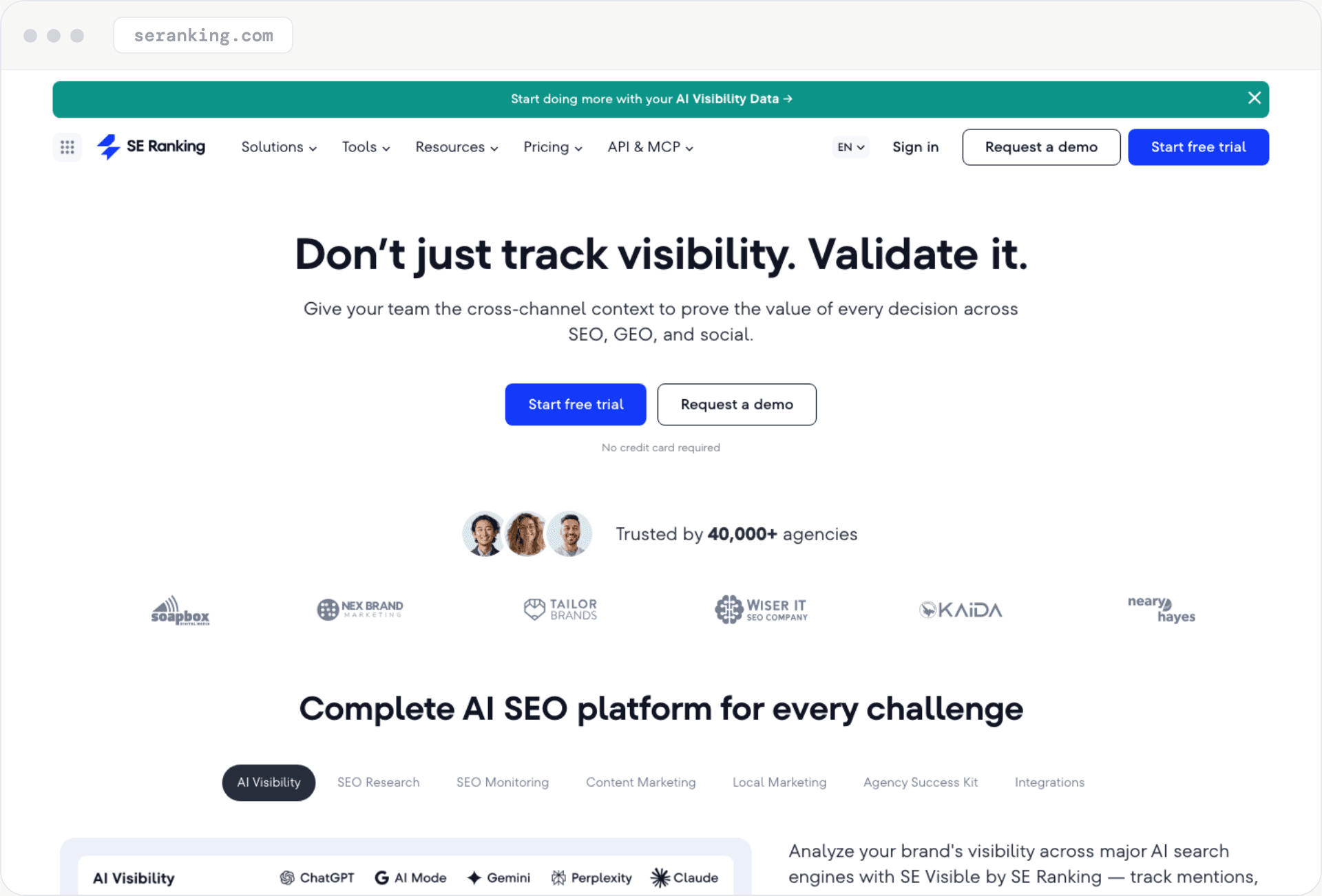
Best for: agencies that want rank tracking, audits and white-label reports in one suite.
SE Ranking showed plans in euros on its pricing page: Core at €109 a month (€87.20 billed annually) and Growth at €235 (€188). White labeling is not in the base plans. It comes through the Agency Pack add-on at €59 a month, billed annually only, which the page lists with 30 projects, 30 client seats and unlimited scheduled reporting.
The white-label page describes removing every reference to SE Ranking behind a custom domain, plus sender name, reply-to and your own SMTP in email settings.
Base plans include AI prompt tracking, with an AI Search add-on at €79 a month for more prompts.
What works:
- white labeling covers both the platform and the reports
- AI prompt tracking sits in the base plans
What doesn't:
- white labeling needs an annual-only add-on on top of a plan
- its Agency Pack page lists 10 client seats while the pricing page lists 30, and its pages list 4 or 5 AI engines depending on which one you read
Semrush
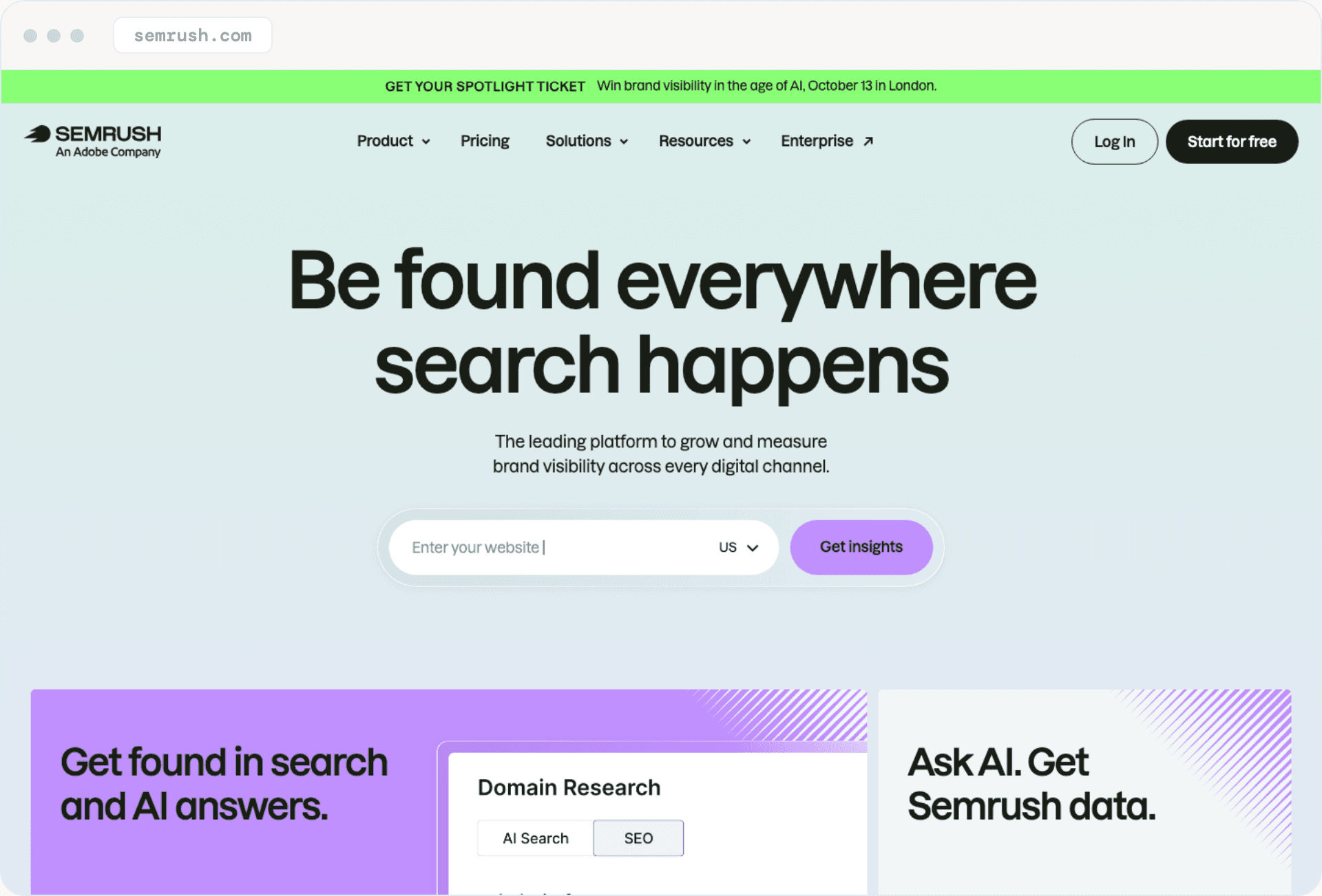
Best for: agencies already on Semrush for research who want branded reports from the same login.
Semrush showed euro prices on its SEO and AI Search pricing page: SEO at €134.21 a month on monthly billing (€112.52 annual), Starter at €190.84, Pro+ at €286.74 and Advanced at €526.49. White labeling is priced separately. The Pro Report add-on, €19.18 a month, lists "Branding and white-labeling," while the cheaper Base Report add-on has scheduling and PDF export without it.
The add-on is metered per report: Semrush's My Reports help page says each report is purchased individually and billed monthly, at $20 per Pro report and $10 per Base report, so every white-labeled Pro report adds its own charge. The pricing page shows the Pro add-on as €19.18 and the help page quotes it as $20.
The My Reports page says you can start from scratch or from a template and that no Semrush branding is visible to your client, but it does not name the plan or add-on that delivers it. The help page lists a custom domain and a sender that is not marked as Semrush under the Pro report, and we found no client portal.
What works:
- research, audits and reporting under one login
- AI search tracking is listed on the paid plan cards, with a stated prompt quota from Starter
What doesn't:
- white labeling is a per-report add-on on top of a plan
- its AI toolkit page lists one-click AI visibility reports as coming soon
Nightwatch
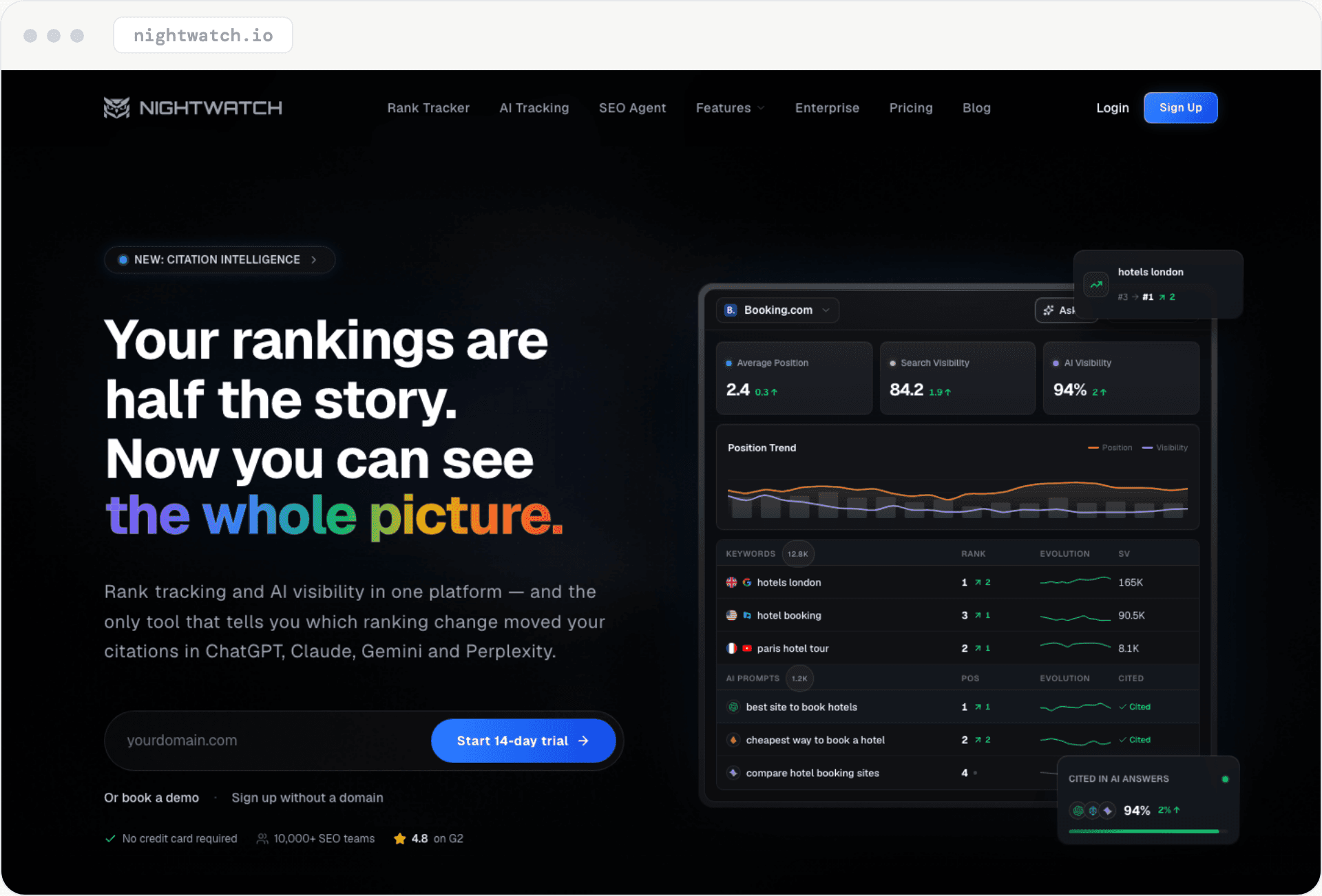
Best for: rank tracking plus AI prompt tracking, with white labeling from the Professional plan.
Nightwatch's pricing page showed euro prices: Starter at €99 a month on monthly billing (€79 billed yearly), Professional at €199 (€159) and Agency at €499 (€399). Starter covers 500 keywords and 50 AI prompts, Professional 2,500 keywords and 150 prompts, and Agency 7,500 keywords and 500 prompts. White-label reports start at Professional, with unlimited seats and no add-ons.
Its reporting page describes white labeling with your logo, colors and custom domain, agency-ready templates and automated scheduled delivery. AI tracking covers ChatGPT, Claude, Gemini, Perplexity, AI Mode and AI Overviews, and it is in the base price.
What works:
- AI visibility tracking in the base price, not an add-on
- white labeling from the Professional plan
What doesn't:
- white-label reports need Professional or above once the trial ends, although its agency page says the trial includes them
- the plan that includes client portals is not stated
BrightLocal
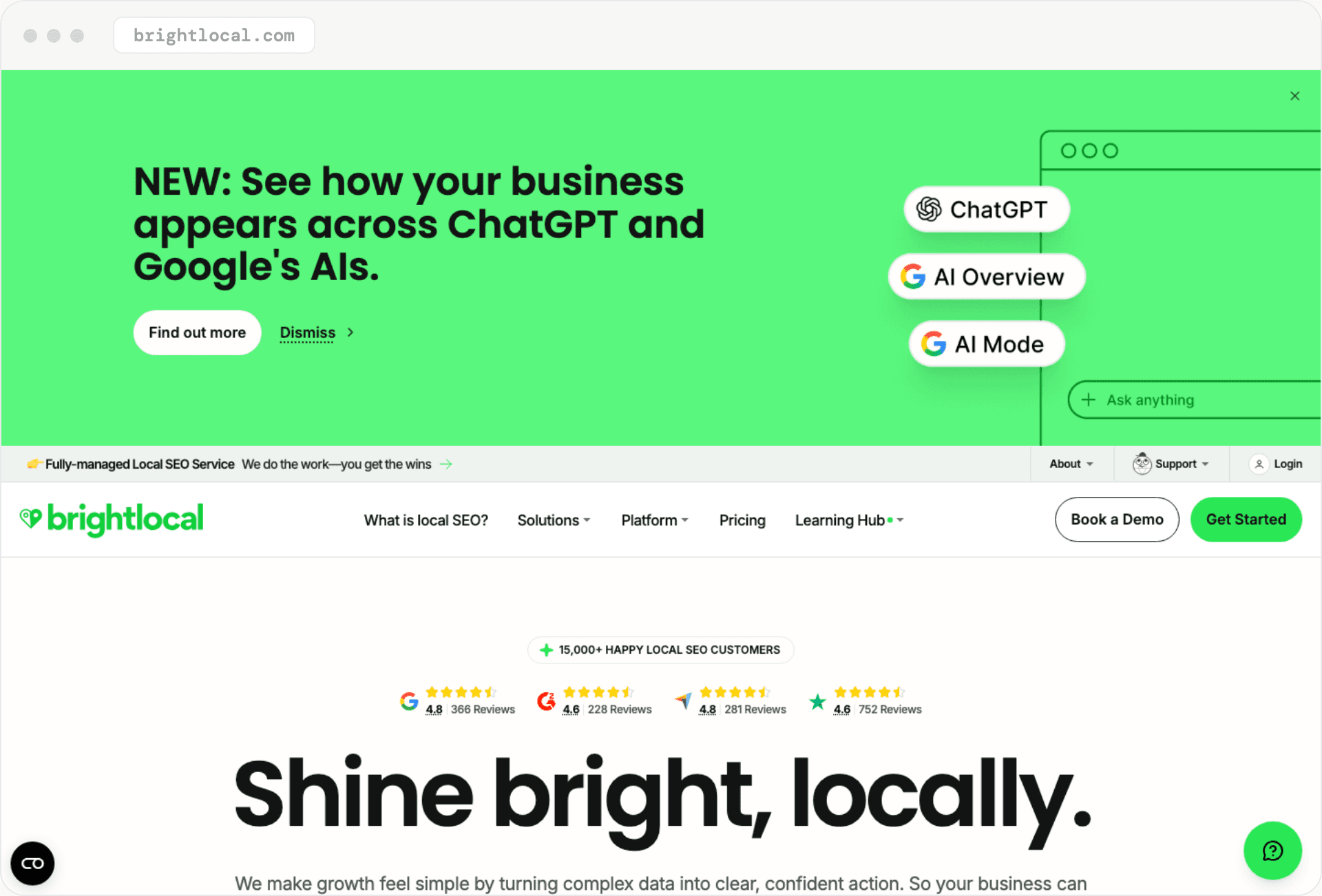
Best for: local SEO agencies that report per location.
BrightLocal prices by location. At one location, Track is $31 a month billed annually, Manage is $40 and Grow is $49. Its help center says every plan can use white labeling to remove any mention of BrightLocal. Every plan also includes a Local AI Visibility Tracker for how a business appears across ChatGPT and Google's AI results.
Its pages conflict on the domain. The FAQ says reports cannot sit on your own domain, while marketing copy on the white-label page mentions a custom domain.
What works:
- white labeling and local AI visibility tracking on every plan
- a citation accuracy and Google Business Profile audit alongside rankings
What doesn't:
- price follows locations, so multi-location clients add up fast
- custom-domain claims contradict each other
Looker Studio (Now Data Studio)
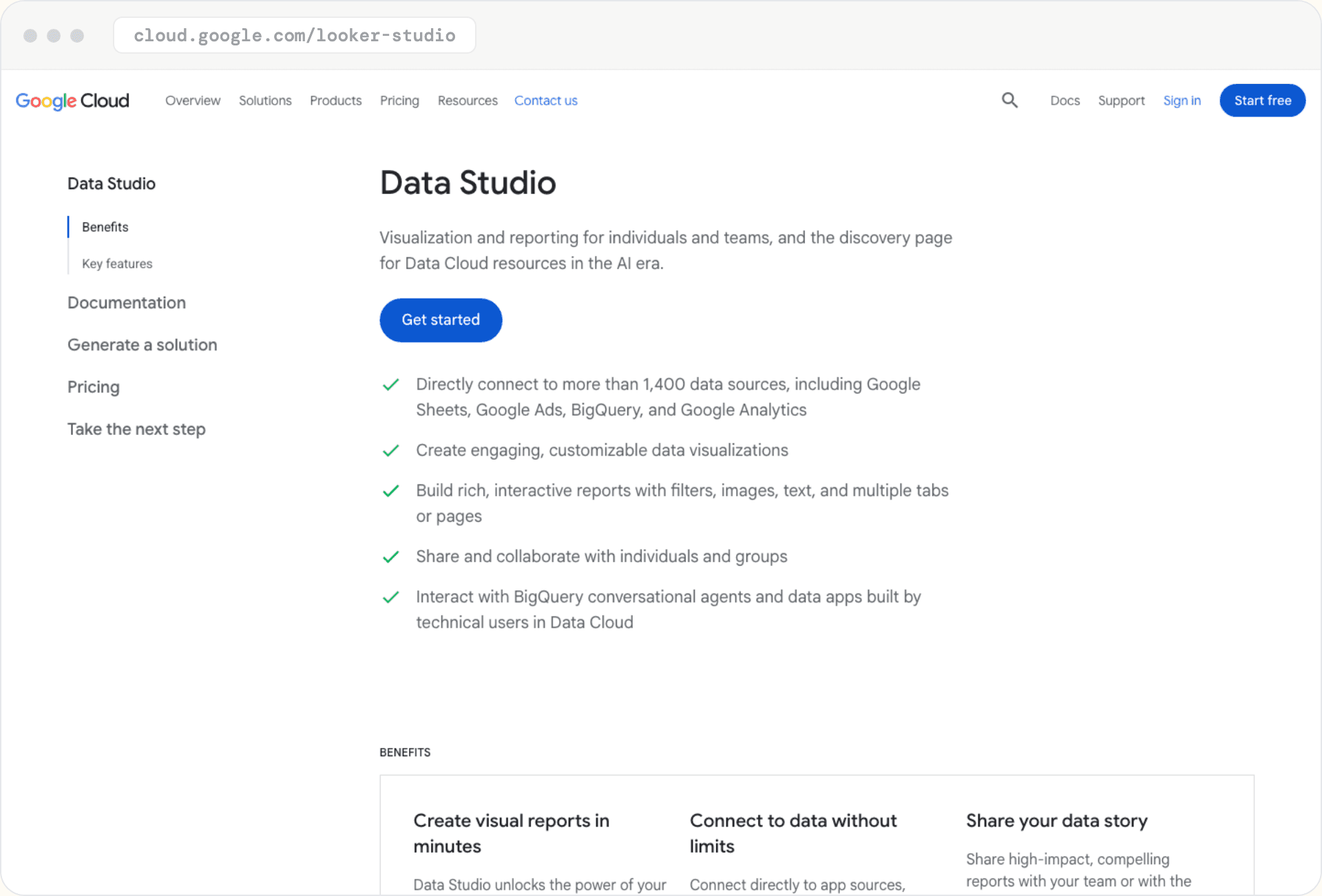
Best for: a free baseline when you are willing to build the reports yourself.
Google renamed Looker Studio back to Data Studio in April 2026, per a Google staff post. The free tier costs nothing, and Data Studio Pro is $9 per user per project per month. White labeling is the gap: Google's docs say embedded reports always carry the Data Studio watermark.
Delivery has limits too.
Scheduled email is capped at 200 recipients a day and 800 a month on individual accounts (500 and 3,000 on Google Workspace), with no quotas on Pro. Many non-Google sources need a paid connector at agency volumes. Paid-plan starting prices on the vendors' own pages are Supermetrics at €39 a month billed annually (€49 monthly), Coupler.io at $24 ($32 monthly) and Windsor.ai at $19 ($23 monthly), and Coupler.io and Windsor.ai also list free plans.
What works:
- a free self-service tier
- scheduled PDF delivery by email
What doesn't:
- no way to remove the watermark on embedded reports
- scheduled email quotas, and paid connectors for many non-Google sources at agency volumes
GEO Toolbox
Best for: AI visibility reports under your own brand.
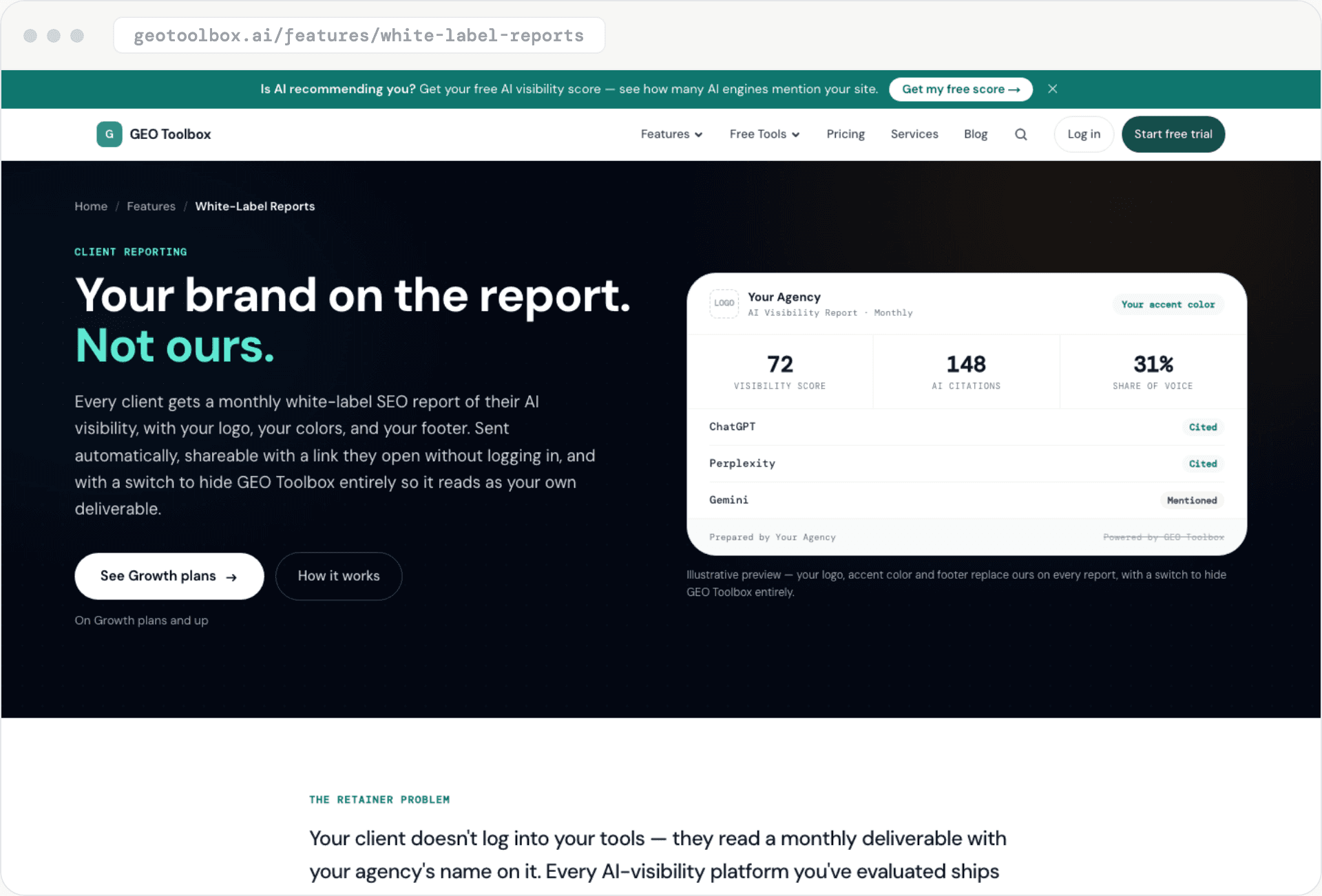
This one is ours, so read it as an interested party. GEO Toolbox's white-label reports put your logo, accent color and footer on a monthly report of a client's AI visibility, with a switch that hides our name entirely. By the levels above, it is Level 1: the feature page lists no custom domain or sender address. The report covers visibility by AI engine, top prompts with mention counts and sentiment, competitor share of voice and an AI Readiness score. It goes out by automated monthly email with optional CC recipients, and as a shareable link the client opens without an account.
White-label reports are on the Growth plan at $499 a month on monthly billing (15 client brands) and on Scale at $999 (25 brands), and not on Starter, Plus or Pro. There is no separate per-report or per-client charge, but tracking draws on a monthly credit pool (80,000 credits on Growth), and one-time top-up packs are available. Growth picks 5 of 8 engines, and white labeling becomes available after the first payment on a Growth trial.
What works:
- a branded client link with no login, plus a monthly send per brand
- competitor share of voice included automatically
What doesn't:
- white labeling starts at $499 a month on Growth, a higher figure than any other row in the cost table at 10 clients
- the feature page lists AI visibility data only, with no rank tracking or backlink sections, and no custom domain or sender address
What White-Label Reporting Costs at 10, 25 and 50 Clients
For white label reporting, entry prices hide the real decision, which is how each vendor meters its price. Per-client tools get expensive in a straight line. Per-dashboard tools jump at tier edges. Per-data-source tools depend on how many accounts each client connects.
| Tool | Metered by | 10 clients | 25 clients | 50 clients |
|---|---|---|---|---|
| AgencyAnalytics | Client | $250 a month ($200 billed annually) | $625 (volume pricing offered) | $1,250 (volume pricing offered) |
| DashThis | Dashboard (1 per client) | $164 (Professional, 10 dashboards) | $324 (Business, 25) | $499 (Standard, 50) |
| Swydo | Connected account | €114 | €249 | €474 |
| GEO Toolbox | Plan (brand cap) | $499 (Growth, 15 brands) | $999 (Scale, 25 brands) | Enterprise, custom |
These are derived from the list prices above, on monthly billing unless noted, and they assume one dashboard per client for DashThis and 2 connected accounts per client for Swydo, the example Swydo's own pricing page uses. Real agencies usually connect more. Each extra connected account adds €4.50 a month on Swydo between the 11th and the 100th source, so 100 accounts across 25 clients would cost €474, not €249.
The table is not like-for-like. It shows base subscriptions only, euro and dollar rows are not converted, and the first rows cover classic marketing data while ours covers AI visibility only and draws on a monthly tracking credit pool, described in its entry above. At 10 clients ours is the highest figure in the table before any currency conversion, so for most agencies it is a second line item next to a classic suite, not a replacement.
Several tools are left out of the table because their white-label cost depends on numbers we cannot assume for you. SE Ranking's €59 Agency Pack sits on top of a base plan, so the total depends on which plan your project count needs. Semrush meters its white-label add-on per report, so at $20 per Pro report, 25 client reports would add $500 a month on top of a plan. Nightwatch prices by keywords and prompts, Whatagraph by credits, and BrightLocal by location.
Some costs sit outside the subscription. Databox's pricing page lists white labeling as a separate add-on at $200 a month on the annual view and $250 on the monthly view, and its help center says the feature is exclusive to select plans and add-ons. And a free Data Studio stack often needs paid connectors once you leave Google's own sources at agency volumes, as the entry above shows.
To judge whether a subscription pays for itself, multiply the weekly reporting hours it would save by your hourly rate and by 52, subtract setup and upkeep time, and compare the result with the tool's yearly price.
How to Report AI Search Visibility to Clients
Most white-label reporting tools were built for Google-era data. On the vendor pages we read, these tools list some form of AI search tracking: AgencyAnalytics as a beta add-on, SE Ranking and Nightwatch in their base plans, BrightLocal on all its plans, and Semrush on its paid plan cards, where its AI toolkit page lists one-click AI visibility reports as coming soon. DashThis, Swydo, Whatagraph and Data Studio list no native AI search tracking on their pricing or feature pages, though Whatagraph's MCP documentation describes AI visibility monitors.
Tracking is not the same as reporting it well. AI answers vary from run to run, so a one-off screenshot of a chatbot recommending your client proves little. One r/DigitalMarketing commenter called this "screenshot theater" and suggested reporting the percentage of priority prompts where the client is recommended, plus share of voice against a few named competitors. Their comment also names a vendor, so treat it as one practitioner's view, not a standard.
A monthly AI visibility note that holds up has these parts:
- A fixed prompt set. Agree a list of priority prompts with the client and keep it constant, so month-over-month change means something.
- Mention rate. The share of answer runs, across repeated runs of those prompts, that name the client's brand, by engine, counted separately from answers that cite one of the client's pages.
- Competitor share of voice. The client's mentions as a share of all mentions of the client and a fixed list of named rivals across the same prompts.
- Cited pages. The URLs the engines cite, which tell you what to fix next.
Our guides on AI search visibility metrics and what AI visibility is cover how each number is calculated, and the SEO report template shows where an AI section sits in a full monthly report.
If your existing suite does not cover the engines or metrics you need, pair a classic SEO reporting suite for rankings, Google Search Console and Google Analytics data with an AI-visibility tool, and white-label both so the client gets one monthly note under your name, not separate dashboards from each vendor. Tools that list AI tracking in the same plan, such as Nightwatch, may spare you the second subscription.
How to Check a Tool's Data Before You Trust It
A branded report is only as good as the numbers in it. Before you commit, rebuild one client's last month inside the tool and compare it with the source systems: Google Analytics sessions and conversions, Google Search Console clicks and impressions, and your rank tracker's positions.
Check which connectors and metrics the tool supports for your exact sources, because connector lists differ and a missing metric shows up as a gap in the client's report. Check how the tool defines each metric too, since an attribution window or a sessions definition that differs from the source makes the numbers disagree for reasons that have nothing to do with data quality.
Then ask who the system of record is. If a client questions a figure, you need to be able to point to Google Analytics or Search Console, not to the reporting tool.
How to Choose by Agency Type
Start from how many clients you serve and what your white label SEO reports need to show, then read the pricing metering, not the headline price. We did not profile Databox, Reportz, TapClicks, NinjaCat, Klipfolio, SEOptimer or SEO PowerSuite, or dedicated AI-visibility trackers other than ours, and Databox appears here only for its white-label add-on price.
- Local SEO agencies: BrightLocal, which prices by location and lists AI visibility tracking on every plan.
- Multi-channel agencies with Google Analytics, ads and social data: AgencyAnalytics, DashThis or Swydo. Pick by metering: per client, per dashboard, or per connected account.
- Agencies selling AI visibility retainers: a dedicated AI-visibility report such as ours, or one of the classic tools with AI tracking built in, placed next to your existing stack.
- Agencies that want rank tracking in the same tool: Nightwatch or SE Ranking, which both list AI tracking and gate white labeling to a plan or an add-on.
- Larger agencies already on Semrush or buying on a demo: Semrush or Whatagraph, and price the per-report add-on or the custom-domain tier before you commit.
- Agencies testing the water: Data Studio, with the watermark limit and connector costs in mind.
These red flags apply everywhere, including to our own reports. The vendor's name cannot be removed from the report itself. The client-facing link sits on the vendor's domain when you need it on yours. And the price per client grows faster than your retainer does. If none of these red flags applies, run a real client through the trial before you commit to an annual plan.
If you are weighing tooling against hiring help, our guide to AI SEO agencies and GEO services vs software cover that decision. For the wider tool landscape, see the best GEO tools.
Frequently Asked Questions
What is a white label SEO report?
A white label SEO report is a report that carries your agency's brand instead of the software vendor's. Depending on the tool, that can mean only a logo and colors on a PDF, or a custom domain, your own sender address and a private client portal.
What should a white label SEO report include?
Start with organic traffic and conversions from Google Analytics, clicks and impressions from Google Search Console, and ranking changes, then add what you did this month and what comes next. If you sell AI visibility, add a short section on it.
How much does white label SEO reporting software cost?
On the vendor pages we read, entry prices run from $25 per client per month on AgencyAnalytics' monthly billing and €69 a month on Swydo to €699 a month on Whatagraph's annual billing, and $499 a month for our Growth plan. Data Studio is free but cannot remove its watermark from embedded reports. The cost table above shows how each price scales with your client count.
Is white-label reporting worth it for a small agency?
It is worth it when you would otherwise build branded PDFs by hand every month. The downsides are cost that scales with clients, white-label depth that is often gated to higher plans or add-ons, and reports that clients may not read. Check how your clients actually consume reports before paying for deeper branding, and use a free trial on one real client first.
Can white-label reports include AI search visibility?
Yes, in some tools. AgencyAnalytics, SE Ranking, Semrush, Nightwatch and BrightLocal list some form of AI search tracking on their own pages, and our reports are built around it. Check whether that data reaches the client-facing report, not just the dashboard, because Semrush's AI toolkit page lists one-click AI visibility reports as coming soon.
Do I need a custom domain for white label SEO reports?
Not always. A logo and colors may be enough for clients who only open a PDF, but if they open a link, a domain you control keeps the vendor's name out of the URL. AgencyAnalytics and Databox document CNAME setups and Whatagraph documents a custom-domain DNS setup, while BrightLocal's own FAQ says reports cannot sit on your domain.
Pick One Client and Run It Through a Trial
Before you commit to an annual plan, run one real client's month through each shortlisted tool and check the red flags in the white label reporting output itself: the vendor's name, the link's domain and the sender address. A pricing page will not show you those. If you are switching tools, rebuild one client's report in the new tool and run both for a full reporting cycle before you move the rest of the roster.
If AI visibility is the part your clients keep asking about, GEO Toolbox's white-label reports are built for that one job, on the Growth plan and up.
Sources
- Data Studio is back with a new and expanded mission - Google staff post, April 13, 2026 -
discuss.google.dev/t/data-studio-is-back-with-a-new-and-expanded-mission/348865 - Embed a report - Data Studio documentation, Google, last updated September 24, 2026 -
support.google.com/looker-studio/answer/7450249 - Schedule automatic report delivery - Data Studio documentation, Google, last updated September 24, 2026 -
support.google.com/looker-studio/answer/9263641 - Set up a custom email domain - Databox help center -
help.databox.com/set-up-a-custom-email-domain - White-label your account - Databox help center -
help.databox.com/how-to-white-label-databox - Custom domain CNAME setup - Whatagraph help center, July 2024 -
help.whatagraph.com/en/articles/4826505-custom-domain-cname-setup - Whatagraph MCP documentation - Whatagraph -
mcp.whatagraph.com - What is white labelling - BrightLocal help center -
help.brightlocal.com/hc/en-us/articles/18176050992146-What-is-white-labelling - My Reports - Semrush knowledge base -
semrush.com/kb/34-my-reports - Agency Pack - SE Ranking -
seranking.com/agency-pack.html - Vendor pricing and white-label pages (AgencyAnalytics, DashThis, Swydo, Whatagraph, SE Ranking, Semrush, Nightwatch, BrightLocal, Databox, Google Cloud Data Studio, Supermetrics, Coupler.io, Windsor.ai, GEO Toolbox) - each vendor, September 30, 2026
- r/agency and r/DigitalMarketing practitioner threads - Reddit, August 10, 2026 and July 27, 2026 -
reddit.com/r/agency/comments/1vkvnhu,reddit.com/r/DigitalMarketing/comments/1v864pa